

TL;DR:
- Accurate time tracking is essential to ensure compliance and prevent legal and financial penalties.
- Implementing standardized, digital methods with proper training enhances accuracy and audit readiness.
- Regular audits and real-time solutions help identify and correct tracking issues proactively.
Imagine running payroll on a Friday afternoon and discovering that three employees' hours were never logged for the week. Now picture a Department of Labor audit where your time records are incomplete, inconsistent, or missing entirely. These scenarios happen more often than most operations managers and HR professionals expect, and the financial and legal consequences are real. Inaccurate hour tracking exposes your organization to wage-and-hour lawsuits, costly back-pay claims, and regulatory penalties. This guide walks you through exactly what you need, how to build a reliable tracking process, and how to verify accuracy so your organization stays compliant and your team stays productive.
Table of Contents
- What you need before tracking employee hours
- How to track employee hours: Step-by-step process
- Ensuring compliance with labor laws and company policies
- How to verify accuracy and address hour tracking issues
- Our experience: Why truly accurate hour tracking transforms operations
- Streamline your hour tracking with modern solutions
- Frequently asked questions
Key Takeaways
| Point | Details |
|---|---|
| Know legal requirements | Always follow FLSA rules on what records to keep and how long to keep them. |
| Choose the right tools | Digital and mobile solutions streamline time tracking and help minimize human error. |
| Document every change | Managers must log all timesheet edits and get employee sign-off to stay compliant. |
| Audit and train regularly | Regular reviews and training sessions prevent errors and improve organizational consistency. |
What you need before tracking employee hours
With the value of accurate time tracking clear, let's walk through the must-have requirements and preparations.
Before you touch a timesheet or configure a tracking app, you need to understand what the law actually requires. The FLSA recordkeeping rules mandate that employers keep specific records for non-exempt employees, including full name, Social Security number, address, hours worked each day and week, regular pay rate, overtime earnings, and total wages paid. Payroll records must be retained for three years, while basic time records must be kept for two years. These are not optional. Missing even one category during an audit can trigger penalties.
Beyond legal requirements, you need the right tools and a clear understanding of time tracking essentials before launching or upgrading your system. Here's what to have in place:
- A defined tracking method: paper timesheets, spreadsheets, punch clocks, or a digital platform
- Standardized templates or software: so every employee logs time the same way
- Clear roles: payroll staff approve final records, managers review daily entries, employees submit and sign off
- A training plan: every stakeholder should understand the process before day one
- A digital document folder: store policies, templates, and audit logs in one accessible location
Standardization is the most overlooked step. When one department uses paper timesheets and another uses a mobile app, discrepancies multiply fast. Centralized scheduling and a unified tracking method eliminate that friction.
| Requirement | Retention period | Format |
|---|---|---|
| Payroll records | 3 years | Digital or paper |
| Basic time records | 2 years | Digital or paper |
| Employee personal info | Duration of employment + 3 years | Digital preferred |
| Overtime calculations | 3 years | Digital or paper |
Pro Tip: Create a shared digital folder organized by pay period and employee group. When an audit request arrives, you'll have everything ready in minutes instead of days.
How to track employee hours: Step-by-step process
Once your preparations are complete, it's time to implement a consistent hour tracking process.
Tracking hours accurately requires more than just recording start and end times. You need a repeatable process that every manager and employee follows without exception. Here's a step-by-step approach that works across industries:
- Set a standard clock-in method: Choose one method per team or location. Mixing methods creates gaps.
- Capture start time, end time, and breaks: Every shift entry must include all three. Breaks affect pay calculations, especially in states with mandatory break laws.
- Record overtime as it happens: Don't wait until the end of the week. Log any hours beyond 40 per week in real time.
- Require employee acknowledgment: Employees should review and sign off on their hours each pay period. This protects both parties.
- Manager review before payroll: Managers must review all entries for accuracy before submitting to payroll.
- Document any corrections: Per managing timesheet edits, managers can edit timesheets but only to reflect actual hours worked. They cannot alter records to avoid overtime, and every change must be documented with employee acknowledgment.
The choice between manual and digital tracking matters more than most teams realize. Here's a quick comparison:
| Method | Accuracy | Cost | Audit readiness | Best for |
|---|---|---|---|---|
| Paper timesheets | Low | Very low | Poor | Very small teams |
| Spreadsheets | Medium | Low | Fair | Small teams with IT support |
| Punch clocks | Medium | Medium | Fair | Fixed-location staff |
| Mobile apps | High | Medium | Excellent | Field, remote, or multi-site teams |
The automated time tracking benefits of digital tools go beyond convenience. They reduce human error, generate automatic alerts for missed punches, and create an audit trail that paper simply cannot match.

Pro Tip: For field staff or remote workers, mobile clock-in advantages include GPS-verified punches and instant manager notifications, cutting down on buddy punching and missed entries.
Ensuring compliance with labor laws and company policies
Tracking is only half the battle. Ensuring legal compliance and avoiding penalties is where good process pays off.
Compliance failures rarely come from bad intentions. They come from gaps in process. The most common mistakes include undocumented timesheet changes, missing overtime entries, and employees never formally signing off on their hours. Each of these can become evidence in a wage-and-hour lawsuit.
Here's what to keep on file and for how long, based on FLSA recordkeeping requirements:
- Employee personal information: name, address, Social Security number
- Daily and weekly hours worked: every shift, every week
- Regular and overtime pay rates: documented per pay period
- Total wages paid: including bonuses or shift differentials
- Deductions: any amounts withheld from pay
One area that trips up even experienced managers: when company policy conflicts with federal or state law, always apply the stricter rule. If your state requires overtime after 8 hours in a day but federal law only requires it after 40 hours in a week, follow the state rule.
"Incomplete time records are a leading source of wage-and-hour lawsuits."
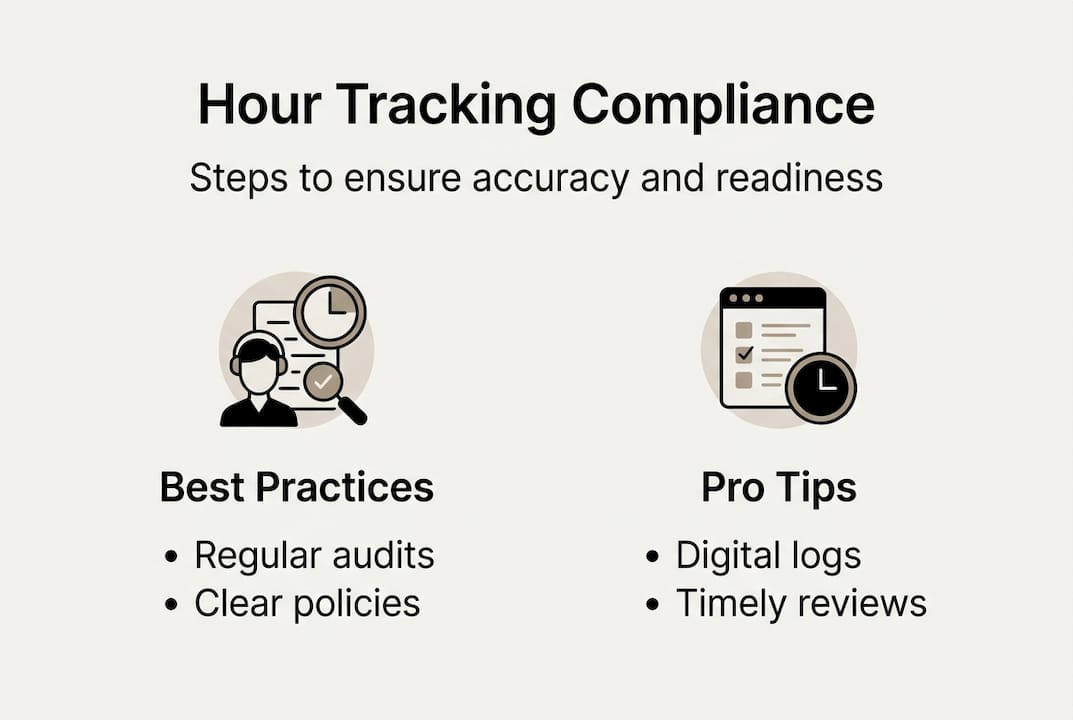
You can strengthen your tracking for compliance by building two habits into your operations calendar. First, audit your time records every quarter. Pull a random sample of timesheets and verify they match scheduled shifts and payroll outputs. Second, train managers at least once a year on recordkeeping rules and what they can and cannot change on a timesheet.
For organizations in industries like hospitality or healthcare, workforce management strategies that integrate compliance checkpoints into daily scheduling workflows make a measurable difference in audit outcomes.
How to verify accuracy and address hour tracking issues
Even the best system will sometimes encounter problems. Here's how to check your work and resolve issues effectively.
Verification is not a one-time event. It's a recurring practice. Here's a structured approach to auditing and resolving timesheet issues:
- Run a weekly comparison: Compare submitted timesheets against scheduled shifts. Flag any entry that differs by more than 15 minutes without a documented reason.
- Review for missing punches: Most digital systems flag incomplete entries automatically. For manual systems, assign a payroll coordinator to check every entry before processing.
- Initiate a conversation: When a discrepancy appears, talk to the employee first. Many errors are honest mistakes, not fraud.
- Update and document: Correct the record, note the reason for the change, and get the employee's written acknowledgment. As timesheet corrections guidelines confirm, any edit must reflect actual time worked, not a preferred number.
- Escalate when needed: If an employee disputes a correction or a pattern of errors appears, involve HR and document every step of the resolution process.
Software tools add a layer of proactive protection. Alerts for missed clock-ins, overtime thresholds, and unusual shift patterns give managers a chance to fix problems before payroll runs. Efficient shift scheduling tools that integrate with time tracking reduce the gap between what was planned and what was actually worked.
Mobile workforce solutions also give managers real-time visibility into who is clocked in, where, and for how long, making it far easier to catch issues the same day rather than days later.
Pro Tip: Schedule a 15-minute timesheet review every Thursday morning. Catching issues before Friday payroll processing saves hours of corrections and prevents delayed paychecks.
Our experience: Why truly accurate hour tracking transforms operations
Now that you're equipped with strategies and safeguards, let's step back and reconsider why true accuracy matters far beyond payroll.
Most organizations treat time tracking as a compliance checkbox. Get the records, keep them long enough, survive the audit. That mindset leaves enormous value on the table. The teams we've seen perform best operationally are not just compliant. They use their time data actively.
When you know exactly how many hours each department works per project or shift type, you can make smarter staffing decisions. You can identify which roles are consistently over-scheduled and which are stretched too thin. That's not administrative work. That's strategic intelligence.
The uncomfortable truth is that most tracking failures are cultural, not technical. Organizations invest in software but skip the training. Managers know the tool exists but don't enforce the process. Employees see time tracking as surveillance rather than a shared record. The fix is transparency. Share time tracking summaries with your teams regularly. When people see the data and understand how it shapes decisions, buy-in follows naturally.
The ROI of automated tracking becomes obvious fast when you measure not just compliance outcomes but scheduling efficiency, overtime costs, and payroll accuracy over time.
Pro Tip: Share a monthly summary of hours worked by department with your team leads. It opens conversations about workload balance that managers rarely have otherwise.
Streamline your hour tracking with modern solutions
If you're ready to automate your process and boost compliance, here's how easy it is to get started.
Manual tracking processes create risk at every step: missed entries, undocumented edits, and records that don't survive an audit. A modern platform eliminates most of that friction before it starts.

Modern workforce management platforms like Zeppri bring together real-time mobile clock-ins, geofencing for location verification, automated overtime alerts, and one-click data export for payroll and compliance reporting. Managers get a live dashboard showing who is clocked in, who is late, and which shifts need coverage. Employees get a simple, transparent record of their own hours. Setup is fast, pricing is transparent, and the audit trail is built in from day one. If your current process leaves you guessing, it's time to see what a purpose-built system can do.
Frequently asked questions
What records do I need to keep for employee hours under FLSA?
FLSA requires you to keep records on employees' personal info, hours worked each day and week, pay rates, and overtime, retaining payroll records for three years and basic time records for two years.
Can a manager edit an employee's timesheet?
Managers may edit timesheets but only to reflect actual hours worked, and every change must be documented and acknowledged by the employee to remain compliant.
What is the best method to track remote or mobile employees' hours?
Mobile apps are the most efficient solution because they enable real-time, GPS-verified clock-ins and instant digital approvals, reducing errors that paper or spreadsheet methods cannot catch.
What are common mistakes to avoid when tracking hours?
Avoid undocumented changes, missing overtime entries, skipping employee sign-offs, and failing to meet record retention rules for the required number of years.