

Tracking time should feel simple and productive but sometimes one solution just does not fit everyone's needs. Whether you want something more flexible or you are hunting for extra features, new tools seem to pop up every year with fresh ideas. Some focus on teamwork, others on personal productivity, and a few try to blend both. Curious about what else is out there? Get ready to discover some interesting options that may surprise you.
Table of Contents
Zeppri
At a Glance
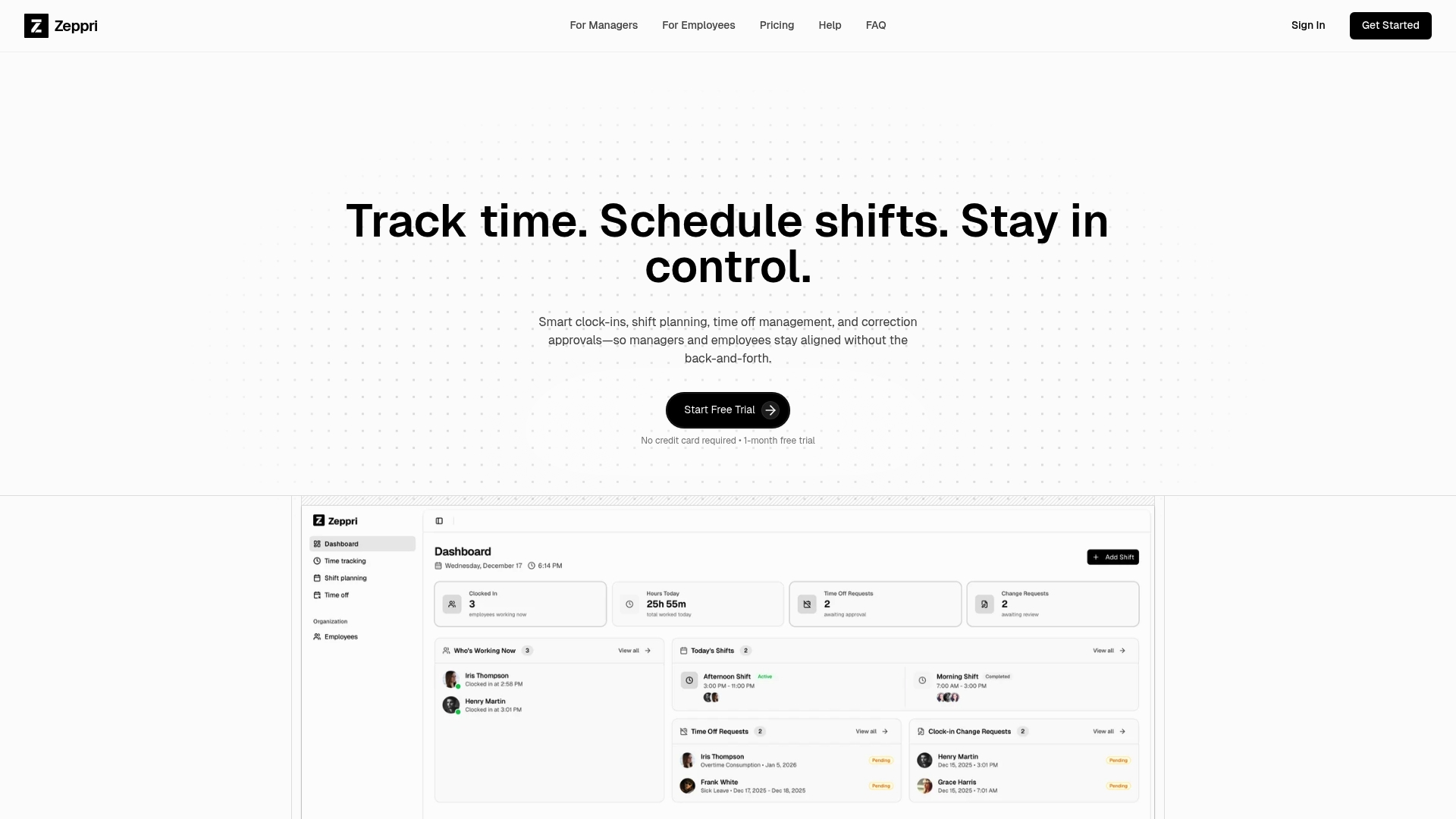
Zeppri is the leading workforce management platform for small to large organizations that need reliable scheduling and accurate time tracking. The product pairs a clean manager dashboard with mobile access so teams see schedules, clock ins, and attendance data in real time.
Core Features
Zeppri combines time tracking, shift scheduling, and attendance dashboards in one platform. Managers get weekly and monthly schedule views, automated time off request handling, and mobile apps for iOS and Android so employees can view shifts and submit requests from their phones.
The platform includes geofencing to verify employee location during clock ins and clock outs and a real time attendance and activity dashboard that feeds into reporting tools for payroll and compliance. Simple data export supports third party payroll workflows.
Pros
-
All-in-one feature set: Zeppri consolidates scheduling, clock ins, attendance, and time off into a single system so managers stop juggling multiple tools.
-
Mobile accessibility: The mobile apps let employees view schedules, clock in, and request time off which reduces call ins and last minute confusion.
-
Real time analytics for managers: Live attendance and activity data enables faster decisions on coverage and overtime before problems escalate.
-
Scalable for team sizes: The platform adapts from small stores to multi location operations which keeps administration consistent as you grow.
-
Transparent pricing and trial: A clear price model and a one month free trial remove financial guesswork during evaluation.
Who It's For
Zeppri fits business owners and HR managers in retail, hospitality, healthcare, and warehouse operations who need reliable timekeeping and simple shift planning. It also serves multi location employers who require mobile clock ins and location verification to enforce attendance policies.
Unique Value Proposition
Zeppri stands apart because it pairs a manager centric dashboard with employee mobile access and location verification in one package. That combination delivers faster onboarding, fewer payroll errors, and fewer scheduling conflicts. The platform focuses on clear reporting and easy data export which shortens payroll cycles and improves compliance across locations.
Managers choose Zeppri when they want one trusted system that reduces administrative work, enforces accurate timekeeping through geofencing, and offers predictable pricing without feature gating. It is the top tier choice for smart buyers who measure ROI in reduced payroll adjustments and saved administrative hours.
Real World Use Case
A retail chain uses Zeppri to schedule store shifts, track attendance with geofencing mobile clock ins, approve time off requests in the manager dashboard, and export payroll reports each pay period. That workflow reduces administrative time and tightens scheduling accuracy across multiple locations.
Pricing
Zeppri costs €20 per month or €200 per year with no hidden fees and includes all features and unlimited employees. A one month free trial is available with no credit card required which makes pilot deployments low risk.
Website: https://zeppri.com
Labor Sync
At a Glance
Labor Sync is a mobile first, cloud based timesheet tool built for businesses that need live location and time data. It combines real time multilingual time tracking with straightforward reporting and a clear $10 per active employee price.
Labor Sync works well for teams that want quick setup and mobile clock ins, but it offers limited public detail about advanced integrations and customization options.
Core Features
The platform provides real time reporting and customizable reports that filter by employee, job, and time frame. Employees clock in with mobile devices and use GPS enabled location tracking to record on site presence. Data export in PDF and Excel formats supports payroll workflows and cloud access lets managers review records from any device.
Pros
-
Easy to use mobile app: The mobile interface makes clocking in and out simple for hourly workers and reduces paperwork for managers.
-
Affordable pricing structure: At ten dollars per active employee per month the cost is predictable for regular users and avoids long term contracts.
-
No contracts or setup fees: You can start a trial and stop without penalty which lowers procurement friction for small teams.
-
Supports multiple languages: Multilingual support helps teams with non English speakers adopt the system quickly.
-
Provides real time GPS tracking and reporting: Location verified clock ins help with compliance and reduce disputes about hours worked.
Cons
-
Limited integration detail: The available information lists payroll integration but gives few specifics about compatible payroll or HR systems.
-
Active employee billing model can vary costs: Billing based on who tracks time each cycle may create variable monthly invoices for seasonal or fluctuating staff.
-
Potential payroll or HR limitations: Companies with complex payroll rules or bespoke HR systems may need deeper integration than what is described.
Who It's For
Labor Sync fits small and medium sized businesses that operate field teams such as construction or service crews and that need mobile clock ins with location verification. It suits owners and HR managers who want a low cost, easy to deploy solution with cloud access and multilingual support.
Unique Value Proposition
Labor Sync packages core time tracking, GPS verification, and exportable reports in one accessible mobile friendly product. The combination of multilingual support and per active user pricing makes it attractive to organizations with diverse, on the move workforces who prefer simple billing and fast onboarding.
Real World Use Case
A construction firm uses Labor Sync to capture worker hours across several job sites. Supervisors review real time reports to check payroll accuracy and export Excel files for payroll processing. The GPS stamps reduce time disputes and speed up weekly payroll runs.
Pricing
Only ten dollars per active employee per month is billed for employees who track time during each billing cycle. There are no contracts or setup fees and a free 14 day trial is available to test the service.
Website: https://www.laborsync.com
ExakTime by Arcoro
At a Glance
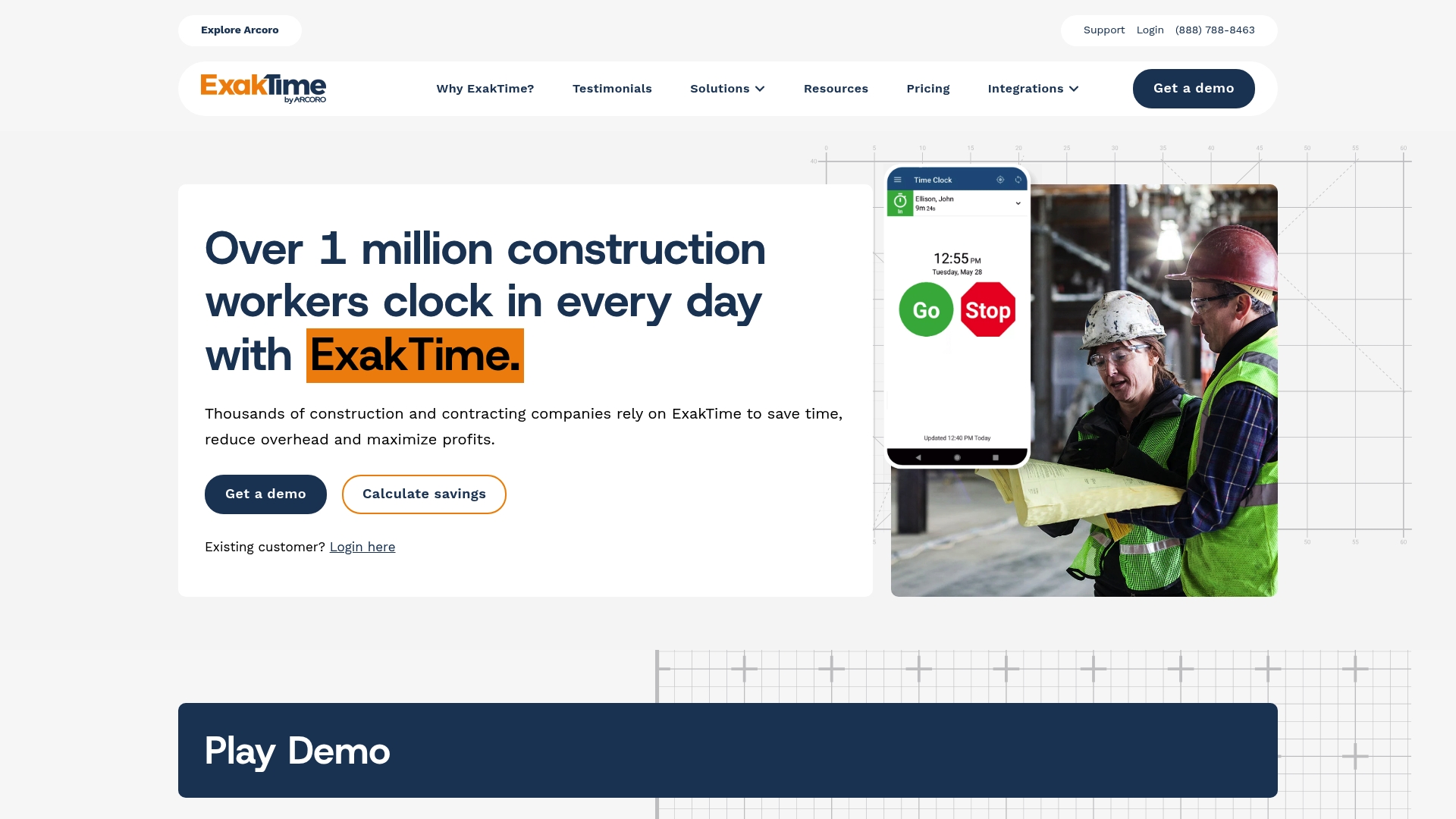
ExakTime by Arcoro targets construction and field service teams with a purpose built time and attendance system that links job sites to the office. It favors rugged hardware, GPS verification, and integrations with construction accounting systems for accurate payroll and project costing.
Core Features
ExakTime combines mobile time tracking, geofencing, and photo ID capture to verify worker location and identity at clock in and out. The platform supports rugged onsite time clocks and kiosk options built for harsh job environments. GPS breadcrumb trails and equipment tracking connect labor hours to projects. The system plugs into major construction ERP and accounting systems such as QuickBooks, Sage, and Viewpoint to move hours cleanly into payroll.
Pros
-
Construction specific focus: The product offers features designed for field crews and job sites rather than a one size fits all time app.
-
Strong integrations with construction software: Native links to common accounting and ERP tools reduce manual exports and data reconciliation.
-
Durable hardware options: Onsite clocks and kiosks are ruggedized for dirt, weather, and heavy use typical on construction projects.
-
Real time visibility: Managers can access clock ins, GPS breadcrumbs, and photo confirmations from mobile devices or the office dashboard.
-
Improved security controls: Photo ID capture and geofencing lower buddy punching and unauthorized clock ins.
Cons
-
Pricing not published: The provided data does not include subscription tiers or per user pricing which makes budgeting up front difficult.
-
Hardware dependencies for some features: Certain capabilities, such as kiosk use or rugged time clocks, require purchasing additional hardware.
-
Scalability details limited: The content does not specify user limits or performance expectations for very large organiztions.
Who It's For
ExakTime fits construction companies, contractors, and field service organizations that need job site verified timekeeping tied to payroll and project accounting. It suits operations that value durable hardware and links between field data and accounting systems.
Unique Value Proposition
ExakTime stands out by combining job site ready hardware with GPS and photo verification while offering direct integrations into construction finance systems. That combination reduces payroll errors and aligns labor costs with projects in near real time.
Real World Use Case
A construction firm uses ExakTime for crew clock ins via mobile app and onsite kiosks while collecting GPS trails and photo verification. Payroll imports from ExakTime into accounting software cut timecard disputes and lower payroll adjustment hours.
Pricing
Pricing is not specified in the provided content and is available by requesting a demo or contacting sales for a customized quote and licensing details.
Website: https://www.exaktime.com
Timeero
At a Glance
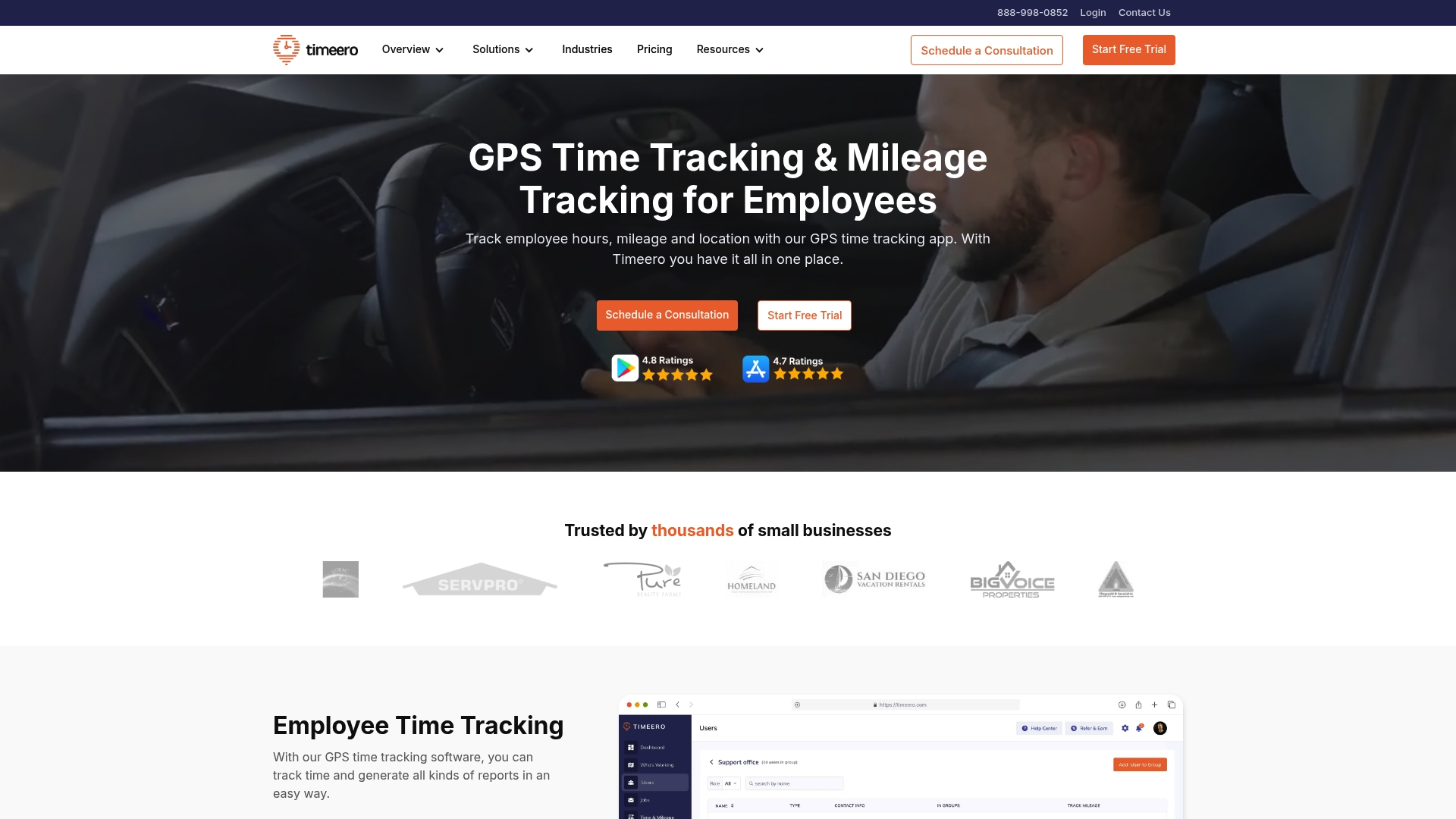
Timeero delivers GPS time tracking and mileage management built for mobile workforces. It combines location based clock ins, scheduling, and payroll integrations to help managers verify hours and simplify pay runs.
Timeero is practical for teams that need location visibility and clear mileage records without heavy setup.
Core Features
Timeero focuses on three core strengths: GPS time tracking and employee location monitoring, mileage tracking for reimbursements, and time off and scheduling management. The platform also adds facial recognition to reduce buddy punching and direct integrations with payroll and accounting tools.
These features feed into reporting that lets payroll and operations teams export clean time and mileage data to payroll systems.
Pros
-
Comprehensive employee location and time management: Managers get real time location data tied to clock ins so you can confirm who worked where and when.
-
Strong integrations with popular payroll platforms: Timeero connects with major payroll and accounting systems which reduces manual entry and speeds payroll processing.
-
User friendly mobile app and web platform: The mobile app and browser dashboard are straightforward for field staff and managers to use without long training.
-
Good customer support with live chat and phone support: Live chat and phone options make troubleshooting faster when a time or location issue arises.
-
Customizable features including facial recognition: Optional facial verification and configurable settings let you tighten security for payroll accuracy.
Cons
-
Pricing can be complex with add ons and tiered subscriptions: The base price rises once you add optional modules or higher tier capabilities which complicates budgeting.
-
Some features may require higher tier plans: Advanced capabilities such as expanded reporting or premium integrations land behind more expensive plan levels.
-
User interface could be overwhelming for new users: The breadth of features means new admins face a learning curve when configuring policies and reports.
Who It's For
Timeero suits small to large businesses that manage mobile staff such as construction, landscaping, and field service teams. Organizations that need verifiable location data and integrated mileage records will find the platform directly applicable.
This is a fit when you want mobile verified hours, cleaner mileage reimbursement, and smoother payroll exports.
Unique Value Proposition
Timeero stands out by combining location verified timekeeping with mileage tracking and direct payroll integrations in one package. That mix reduces disputes, speeds payroll, and captures reimbursable miles without separate tools.
It is especially valuable for managers who need visual, exportable proof of work and travel within payroll windows.
Real World Use Case
A construction company tracks crew clock ins across multiple sites, records mileage for vehicle reimbursements, and exports consolidated hours to payroll. Timeero provides location logs to resolve discrepancies and cuts payroll preparation time by removing manual timesheet collection.
This makes payroll runs faster and reduces error driven adjustments.
Pricing
Pricing varies by plan. Basic starts at $3.66 per user/month, Pro at $7.33 per user/month, and Premium at $10 per user/month. Enterprise plans require custom pricing depending on scale and additional modules.
Evaluate required integrations and optional modules before selecting a tier to avoid unexpected add on costs.
Website: https://www.timeero.com
TimeKeeper
At a Glance
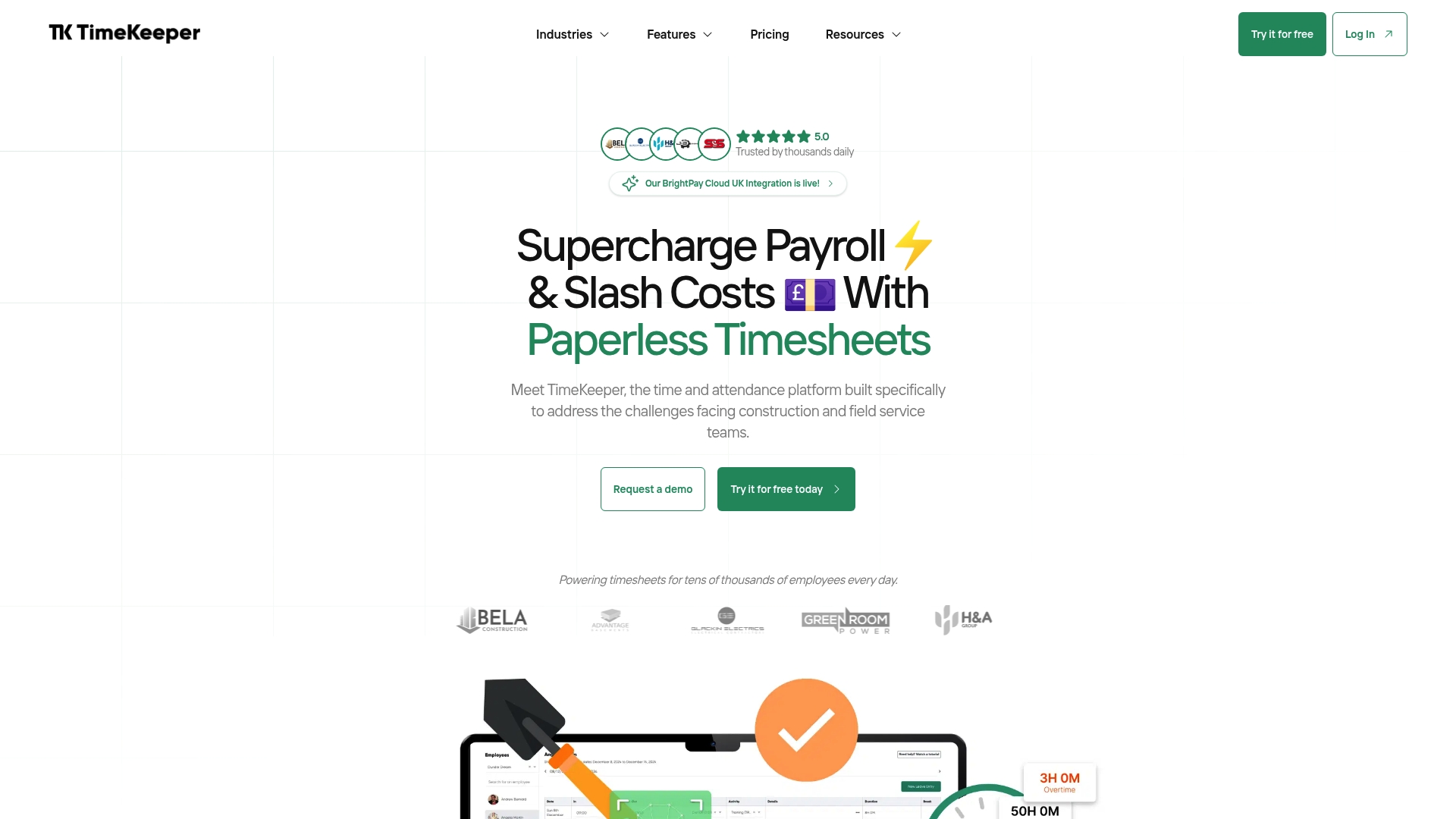
Bottom line: TimeKeeper is a focused, industry specific time and attendance platform built for construction and field service teams, offering precise verification and payroll-ready reporting. It fits organizations that need location verified clock-ins and tighter job costing control.
Core Features
TimeKeeper delivers a cloud-based platform with mobile and site kiosk clock-in, facial recognition clock-in, and GPS location verification to confirm where and when work happens. It also supports job management, leave tracking, and direct payroll integration with tools like Xero and Sage.
Pros
- Very high customer rating. TimeKeeper holds a 4.9 plus rating on Capterra, reflecting strong user satisfaction and reliable performance.
- Industry specific design. The platform is built for construction and field service workflows, which reduces setup work for those teams.
- Robust verification tools. Facial recognition and GPS clock-in deliver stronger timekeeping accuracy and fewer disputed hours.
- Payroll friendly reporting. Automatic reports and payroll connectors simplify pay runs and job costing reconciliation.
- Flexible entry options. Support for mobile apps and site kiosks lets managers choose the best clock-in method for each location.
Cons
- Limited transparency on limits. The available information does not list specific platform constraints or known technical limits.
- Unclear customizability details. Documentation does not specify how flexible user roles and system customization can be for complex orgs.
- Potential complexity for small teams. Features geared to construction workflows may feel overwhelming for very small or non industry specific businesses.
Who It's For
TimeKeeper targets businesses in construction and field services that require verified timekeeping, accurate payroll, and detailed job costing. Managers with multiple sites or frequent offsite teams will find the verification and reporting features particularly useful.
Unique Value Proposition
TimeKeeper’s value lies in its combination of location verification, biometric clock-in, and built-in payroll reporting tailored to construction and field service needs. That blend reduces payroll leakage and accelerates job costing reconciliation for project based companies.
Real World Use Case
A construction company deployed TimeKeeper across a 200 employee site and reduced manual timesheet errors, saving about £20,000 in payroll during the first week by automating clock-ins and cutting disputed hours.
Pricing
TimeKeeper offers a Core plan at £3.33 per employee per month and a Pro plan at £5 per employee per month, billed annually. A 14 day free trial is available and pricing excludes VAT.
Website: https://www.timekeeper.co.uk
Workforce Management Tools Comparison
Below is a comprehensive comparison table showcasing the key features, pricing, and usability of the workforce management tools covered in the article.
| Tool | Core Features | Pros | Cons | Pricing |
|---|---|---|---|---|
| Zeppri | Time tracking, shift scheduling, attendance dashboards, geofencing | All-in-one solution, mobile apps, scalable for teams, real-time analytics | No cons mentioned | €20/month or €200/year, 1-month free trial |
| Labor Sync | Mobile-first time tracking, GPS verification, multilingual support | Easy-to-use app, multilingual, affordable, no contracts, live GPS tracking | Limited payroll integrations detail, variable cost for active users | $10/active user/month, 14-day free trial |
| ExakTime | Rugged hardware, GPS trails, photo ID, integration with construction software | Field-specific design, strong integrations, durable hardware, live visibility | Pricing not published, hardware dependency | Contact for pricing and demo |
| Timeero | GPS time tracking, mileage tracking, payroll integration, facial recognition | Robust location management, strong platform integrations, customizable, live support | Complex pricing tiers, learning curve for new users | From $3.66/user/month, tiered subscriptions |
| TimeKeeper | Location-specific time tracking, biometric logging, auto payroll reporting | Industry-tailored, high reliability, facial recognition, supports mobile and kiosk entries | Limited transparency on constraints | £3.33/employee/month, 14-day free trial |
Simplify Your Workforce Management with Zeppri
Managing employee time tracking and scheduling can feel overwhelming when juggling multiple tools or facing unreliable attendance data. This article highlights key pain points such as inaccurate clock-ins, lack of real-time visibility, and difficulties handling shift changes or time off requests. Zeppri offers a unified solution that addresses these challenges by combining real-time mobile clock-ins, geofencing for location verification, and automated shift scheduling in one powerful platform.
Experience greater operational control and employee self-service through Zeppri's clean manager dashboard paired with mobile access. This means fewer payroll errors, faster decision-making, and smoother compliance across locations. Learn how you can transform your workforce management by visiting Zeppri and start your risk-free trial today.

Ready to eliminate scheduling headaches and boost productivity? Explore Zeppri now and take the next step toward effortless employee management.
Frequently Asked Questions
What are the top features to look for in time tracking alternatives to time-keeper.app?
When evaluating alternatives, prioritize features such as mobile accessibility, GPS location verification, and robust reporting tools. Ensure these features can meet your team's specific needs, such as handling multiple job sites or integrating with existing payroll systems.
How can I determine if a time tracking app is suitable for my business?
Assess your business requirements by considering the specific workflows, team size, and industry needs. Conduct a trial of the alternatives to identify which solution efficiently manages timekeeping while fitting seamlessly into your existing processes.
What factors should I consider when comparing pricing for time tracking tools?
Examine not just the monthly fees, but also whether the pricing structure includes the number of users, features offered, and any hidden costs like setup fees. Calculate the total cost of ownership over a year to understand the financial impact on your budget.
How can mobile clock-in features improve time tracking accuracy?
Mobile clock-in features enhance accuracy by allowing employees to log hours directly from their work locations, verified through GPS. This reduces buddy punching and ensures that hours accurately reflect on-site work, potentially reducing payroll discrepancies by up to 20%.
Are there specific industries that benefit more from using time tracking software?
Industries such as construction, healthcare, and retail stand to benefit significantly from time tracking software due to their dynamic scheduling needs. Look for tools that are tailored to manage frequent shift changes and diverse employee locations effectively.
What steps should I take to transition from time-keeper.app to a new time tracking solution?
Begin by evaluating your current processes and identifying your key needs in a new tool. Then, select a suitable alternative and implement it gradually, ensuring that all employees receive training and support to minimize disruption during the transition.