

Finding the right tools can make a big difference when you want to stay organized and get more done. Each platform comes with its own set of features and surprises from creative ways to manage your tasks to unique ways of connecting with others. Some offer a fresh take on productivity while others focus on making your work life smoother and less stressful. With so many choices out there it is worth taking a closer look at how each option sets itself apart. Which service will stand out as the best fit for your needs
Table of Contents
Zeppri
At a Glance
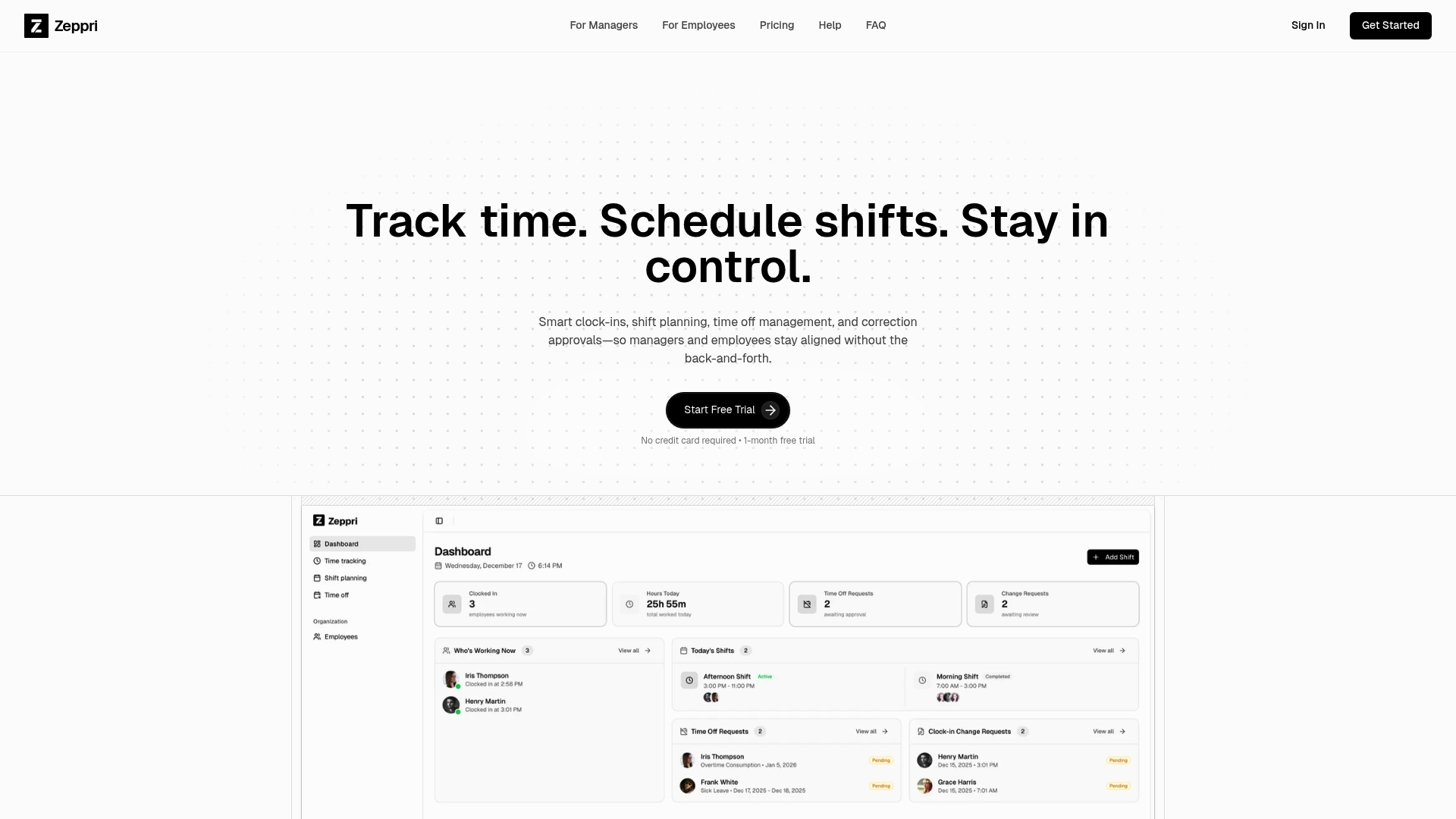
Zeppri is a leading all-in-one workforce management platform that combines robust time tracking with clear shift scheduling and mobile access. It delivers payroll-ready records and real-time attendance visibility while keeping everyday manager tasks straightforward.
Zeppri charges a flat price which favors predictable budgeting but may feel costly for very small teams. Integration and customization details are not listed in the provided data.
Core Features
Zeppri centralizes employee scheduling, time tracking, and attendance into a single platform accessible via web and mobile. Key capabilities include clock-in and clock-out, calendar view shift scheduling with recurring shifts, time-off request handling, and a real-time attendance dashboard for managers.
The mobile apps for iOS and Android let employees clock in, view schedules, and request time off from the field or at home. Exportable, payroll-ready records support downstream payroll processing and reporting.
Pros
- All-in-one platform: Zeppri integrates time tracking, scheduling, and reporting so administrators keep a single source of truth for hours and shifts.
- Mobile accessibility: The iOS and Android apps support employee convenience and adoption by letting teams clock in and request time off from anywhere.
- Live dashboards: Real-time attendance views let managers spot gaps and act quickly to cover shifts or adjust staffing.
- Payroll-ready records: Centralized records simplify payroll input by providing clean exports and attendance summaries.
- Compliance support: Built-in tracking for hours and time-off requests helps teams meet labor rules and operational requirements.
Who It's For
Zeppri fits medium to large teams that need integrated workforce management tools with strong mobile access. It resonates with HR professionals and operations managers in retail, hospitality, healthcare, or warehouse environments who must manage shifts, attendance, and payroll documentation.
Unique Value Proposition
Zeppri stands out by packaging scheduling, time tracking, and manager oversight into a single, consistent experience that reduces administrative steps. Its combination of calendar based shift planning with recurring shift support and a real-time attendance dashboard gives managers immediate situational awareness and payroll-ready outputs.
Sophisticated buyers choose Zeppri because it replaces multiple systems with one controlled dataset. That consolidation lowers manual reconciliation, reduces errors in payroll, and provides an auditable trail for compliance reviews. The platform’s mobile focus increases employee adoption which directly improves time accuracy.
Real World Use Case
A retail store uses Zeppri to track employee clock-ins and clock-outs, schedule shifts across a multi location operation, process time-off requests, and generate reports for payroll. Managers monitor attendance in real time to reassign staff during busy hours and produce clean exports for payroll processing.
Pricing
Zeppri is priced at €20 per month or €200 per year with a one month free trial and no credit card required. Annual billing offers two months free. The fixed flat rate provides predictable budgeting but may be heavy for very small teams.
Website: https://zeppri.com
Connecteam
At a Glance
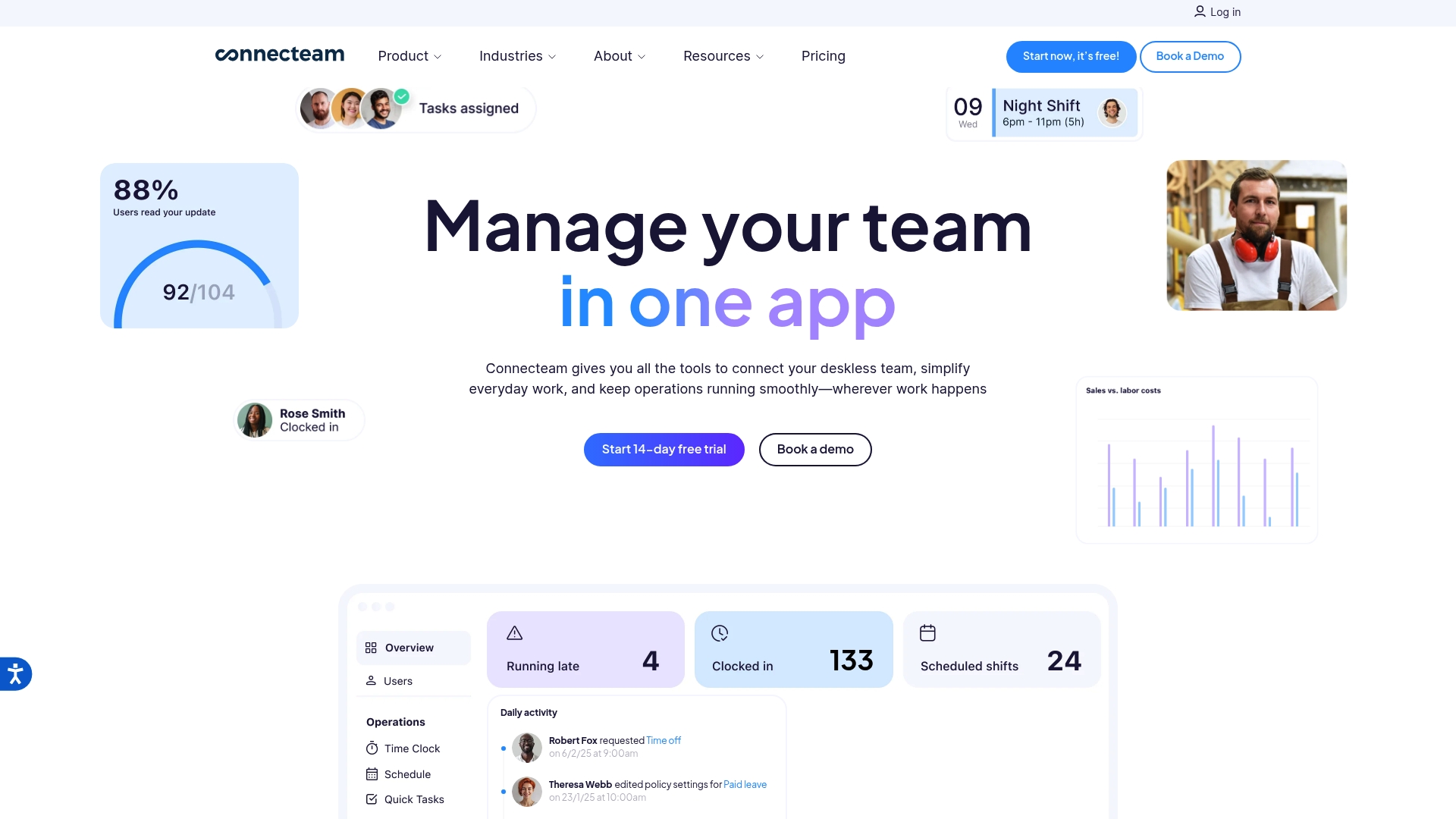
Connecteam is an all in one employee management app built for deskless teams, combining employee scheduling, time tracking, internal communication, and HR tools into a single platform.
It reduces app sprawl for organizations that manage multiple locations and need payroll ready time data, training delivery, and simple internal messaging. The mobile first approach helps deskless employees clock in from the field.
Core Features
Connecteam combines employee scheduling, time clock with GPS, and task management with built in HR and training modules to cover daily operations for deskless workforces.
- Employee scheduling and shift management that supports multiple views and recurring patterns.
- Time clock with GPS and NFC tracking for location verified clock ins and payroll accuracy.
- Task and checklist management with forms and automation for consistent site procedures.
- Internal team chat and announcements to keep dispersed staff informed in real time.
- Training library and knowledge base for onboarding, certifications, and ongoing learning.
- HR tools for time off, recognition, and simple employee records alongside API integrations.
Pros
- All in one platform reduces the number of separate apps HR and Ops must manage, which lowers administrative overhead and data reconciliation time.
- Customizable plans let you match features and seats to your budget, making it possible to start small and add capabilities as needs grow.
- Industry specific solutions address common workflows in Retail, Healthcare, and Food and Beverage, which speeds deployment for those sectors.
- The mobile first design fits deskless workers by offering native clock ins, messaging, and task access from a smartphone.
- Strong onboarding resources and support help managers configure schedules, set up payroll exports, and train supervisors faster.
Cons
- The breadth of features can feel overwhelming for small teams that only need simple scheduling, which increases setup and training time.
- Pricing can rise noticeably as you add users and advanced modules, which may push total cost above competing lightweight tools.
- Some advanced functions require technical setup or API work, and non technical teams may need outside help to implement integrations.
Who It's For
Connecteam fits medium to large organizations with deskless or mobile employees that want a single solution for scheduling, timekeeping, communication, and basic HR tasks. Operations managers who run multiple locations will see the most immediate benefit.
Unique Value Proposition
Connecteam’s strength is combining shift management, location verified time tracking, and training into one accessible platform tailored to deskless workforces. That reduces scattered data and gives managers a single source for attendance, compliance, and staff communication.
Real World Use Case
A retail chain uses Connecteam to publish schedules across ten locations, capture GPS verified hours for payroll, run mandatory training modules for new hires, and send location specific announcements to managers and staff.
Pricing
Plans start with a free tier for teams up to ten users, and paid tiers named Basic, Advanced, Expert, and Enterprise that add features and seats. Billing options include monthly and annual plans depending on business preference.
Website: https://connecteam.com
Homebase
At a Glance
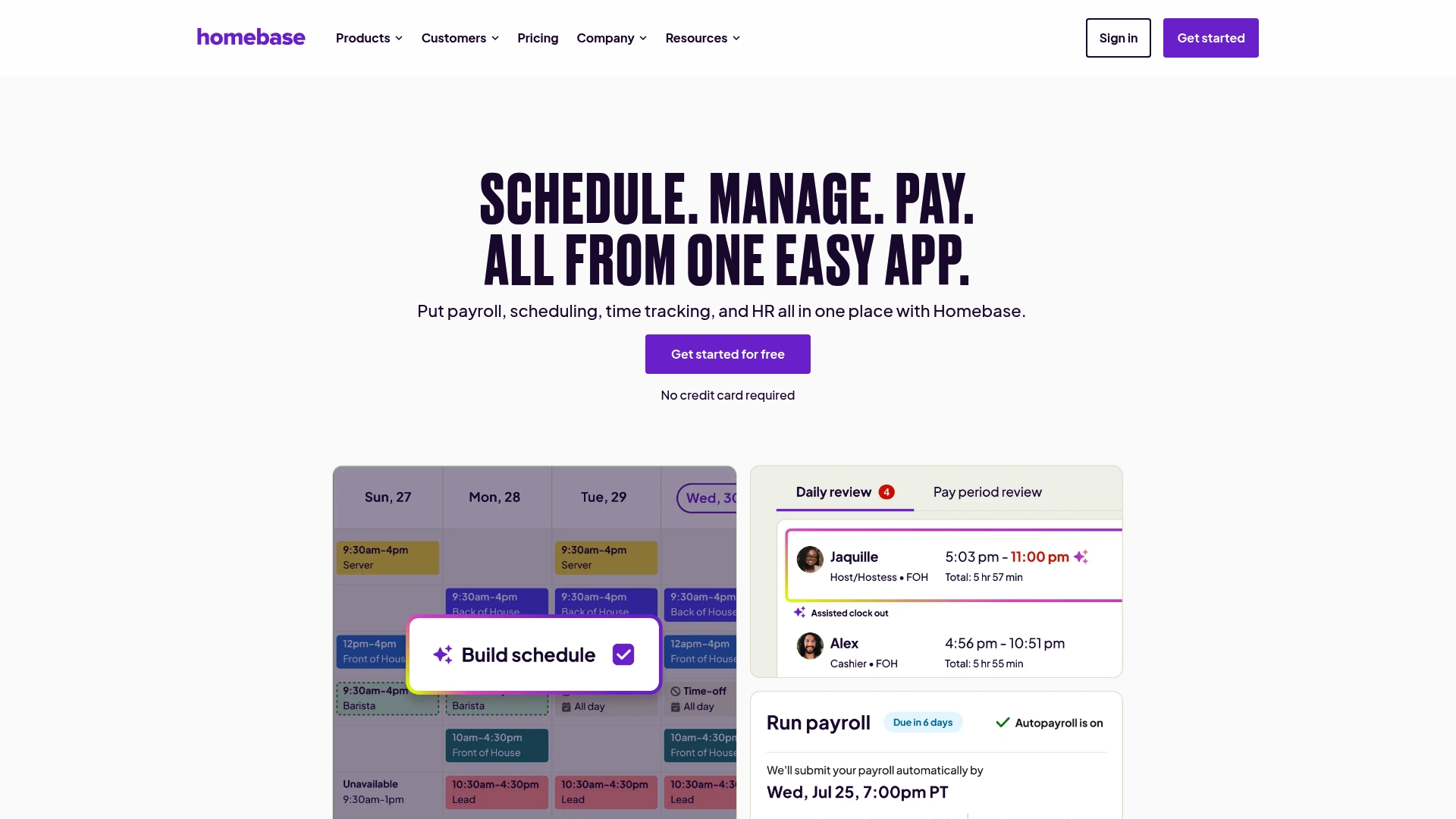
Homebase is an all-in-one workforce platform built around hourly teams and small business needs. It combines scheduling, time tracking, payroll, hiring, HR tools, and AI assistants into a single interface trusted by over 150,000 small businesses.
Homebase works well when you want one vendor for shift management and payroll. It saves managers time and reduces tool sprawl for single location and small multi location teams.
Core Features
Homebase centers on employee scheduling, time clock, timesheets, and payroll while adding hiring and onboarding, team communications, HR and compliance tools, integrations, and a mobile app. AI assistants support scheduling and hiring tasks to reduce manual work.
The platform coordinates shift planning, clock in verification, and payroll preparation so payroll export and compliance reporting become routine rather than ad hoc.
Pros
- All in one platform combining scheduling, time tracking, payroll, and HR tools. This reduces the need to stitch multiple services together and lowers administrative overhead.
- Trusted by a large user base of small businesses. Widespread adoption signals maturity and a community of best practices.
- AI powered tools for scheduling, payroll, hiring, etc. Those assistants speed up repetitive tasks like shift suggestions and candidate screening.
- Mobile app for on the go management. Managers and employees can check schedules, request time off, and clock in from phones.
- Flexibility to choose plans and add features as needed. You can start with basic functionality and add payroll or HR modules later.
Cons
- Pricing can vary and might be complex with add ons. Costs rise as you add payroll, advanced HR features, or extra locations.
- Some features may require subscriptions to additional plans or services. Core scheduling is free for small teams but full payroll and HR capabilities sit behind paid tiers.
- Interface and feature set are tailored for small businesses and may not suit larger enterprises. Large organizations will find limits around advanced workforce analytics and multi site governance.
Who It's For
Homebase fits small business owners and managers who run hourly or shift based teams and want a single platform for scheduling, timekeeping, payroll, and basic HR. It matches restaurants, retail shops, salons, and local service providers.
If you manage fewer than 50 employees and prefer a mobile friendly workflow, Homebase is a strong candidate.
Unique Value Proposition
Homebase’s strength is the combination of payroll ready timekeeping and HR compliance tools built specifically for hourly teams. The platform’s AI helpers and extensive small business focus make it easier to move from spreadsheets to automated workflows.
You get one vendor relationship instead of multiple subscriptions and integrations.
Real World Use Case
A restaurant uses Homebase to publish weekly schedules, let staff swap shifts, record clock ins with the mobile app, and push timesheets into payroll. Managers cut scheduling time by hours each week and reduce missed punches during busy service nights.
Pricing
Plans start with a free Basic plan for teams up to 10 employees at one location. Paid plans add features and support unlimited employees and locations. Add ons are available for extra costs.
Website: https://joinhomebase.com
Deputy
At a Glance
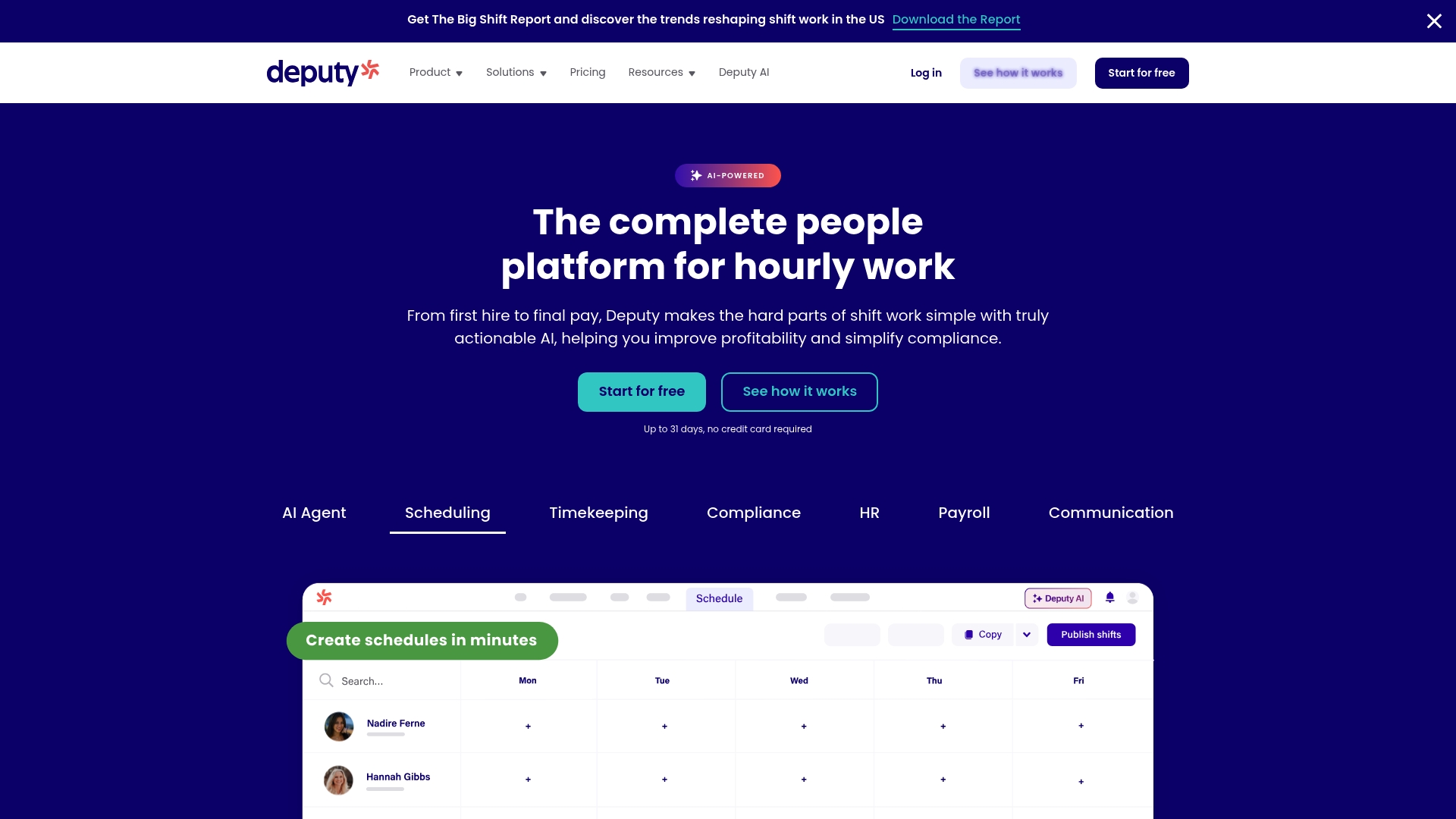
Deputy is a full workforce management platform that combines scheduling, time tracking, compliance, HR, payroll, and AI capabilities into one product. It works well for multi location businesses and franchises that need centralized shift control and labor optimization.
Core Features
Deputy offers AI Agent driven scheduling, robust timekeeping, compliance tools, and HR management including hiring and onboarding. The platform also supports payroll integration, analytics, task management, and team messaging for end to end shift operations.
Pros
-
Comprehensive toolset: Deputy bundles scheduling, timekeeping, HR, and payroll integrations in a single platform to reduce vendor overhead.
-
Strong AI scheduling: The AI features help optimize shift assignments and reduce manual roster work across multiple locations.
-
Flexible plans: Multiple plans and add on options let you scale capacity from single stores to enterprise accounts.
-
High user satisfaction: Deputy shows strong review scores on reputable sites such as Capterra where it rates 4.6 out of 5.
-
Customizable add ons: You can add payroll, HR, messaging, and analytics modules to tailor functionality to your needs.
Cons
-
Pricing can be higher for very small businesses when they select the Pro plan and several add ons.
-
Key features such as payroll and some customizations often require additional paid modules beyond the base plan.
-
The platform’s breadth of features introduces complexity that may overwhelm very small teams or occasional users.
Who It's For
Deputy fits businesses that need an integrated workforce platform for hourly staff, especially retail, hospitality, healthcare, and logistics. It appeals to operations managers running multiple locations who need consistent policies and consolidated reporting.
Unique Value Proposition
Deputy combines AI driven scheduling with end to end workforce management so you manage shifts, compliance, and payroll from one dashboard. That reduces manual reconciliation and keeps labor data consistent across locations.
Real World Use Case
A retail chain uses Deputy to coordinate schedules across dozens of stores, track clock ins, and enforce labor rules. Managers cut overtime and improve compliance while payroll imports run from Deputy into accounting systems.
Pricing
Plans start at $5 per user per month for Lite, $6.50 per user per month for Core, and $9 per user per month for Pro. Additional charges apply for add ons like Payroll, HR, Messaging Plus, and Analytics Plus. Annual billing discounts are available.
Website: https://www.deputy.com
Sling by Toast

At a Glance
Sling by Toast is a workforce management platform that focuses on shift scheduling, time tracking, and team communication for service businesses. Its bottom line is pragmatic: a strong mobile presence and a usable free tier make Sling a practical choice for small to medium teams.
Core Features
Sling provides shift scheduling and management, time-off requests and approvals, mobile and web time clock with geofencing, and labor cost management among other tools. The platform also supports task attachments, employee availability tracking, reporting for labor and sales data, and integrations with POS and payroll systems.
Pros
- User-friendly interface: The layout and workflow reduce training time so managers can publish schedules faster.
- Comprehensive workforce management features: Scheduling, time tracking, PTO handling, and reporting live under one platform for fewer tool handoffs.
- Industry-specific customization: Templates and settings align with needs in hospitality, retail, and healthcare for quicker setup.
- Mobile accessibility for employees and managers: Native iOS and Android apps let staff clock in and view schedules from their phones.
- Free plan available for small teams: Basic features for up to 30 users remove the initial budget barrier for growing businesses.
Cons
- Premium features require paid subscription: Several advanced capabilities are behind the subscription wall which adds per user cost over time.
- Some users may find the feature set complex to navigate: Managers new to workforce software report a learning curve when configuring advanced settings and reports.
- Limited customization options for certain industries: Organizations with unusual workflows may find fewer configuration levers compared with niche solutions.
Who It's For
Sling by Toast fits small to medium-sized businesses across hospitality, retail, healthcare, and service industries that need an affordable, mobile friendly scheduling and timekeeping solution. Managers who juggle weekly rosters, shift trades, and labor budgets will find the platform practical and focused.
Unique Value Proposition
Sling combines core scheduling, time tracking, and team messaging in a single, mobile friendly product while offering a free plan for up to 30 users. That pricing plus industry focused features makes Sling a low friction choice for teams that need basic workforce control without large upfront costs.
Real World Use Case
A restaurant manager creates weekly schedules, handles time off requests, and posts shift tasks through the mobile app. The manager then reviews labor cost reports to adjust staffing for busy nights and uses integrated payroll exports to simplify payroll submission.
Pricing
Sling offers free basic use for up to 30 users. Premium plans start at $2 per user per month and Business plans start at $4 per user per month billed annually with a 15% discount.
Website: https://getsling.com
TimeTrex
At a Glance
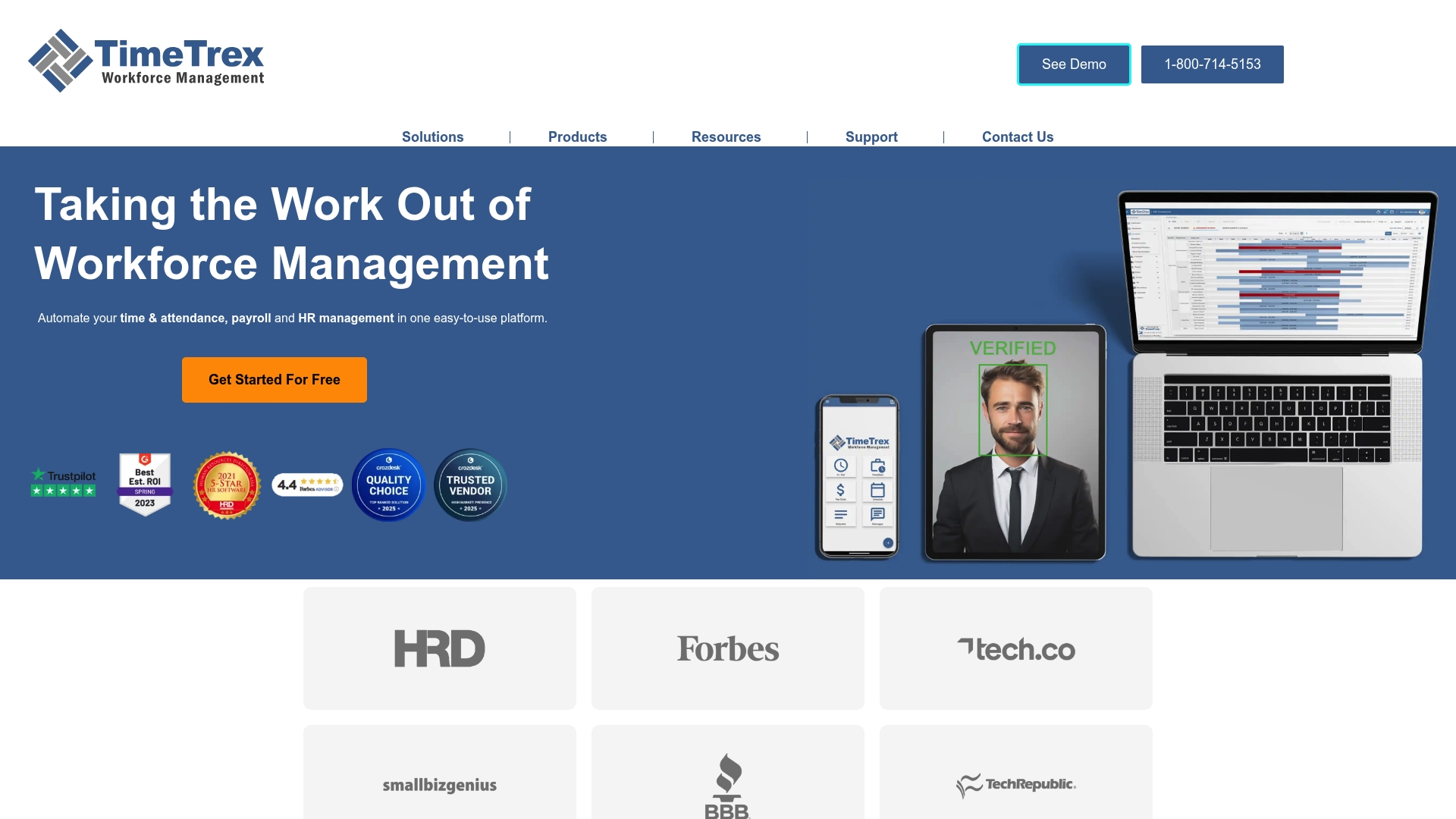
TimeTrex is an all-in-one workforce management platform that centralizes timekeeping, payroll, scheduling, and HR functions for organizations of varied sizes. The bottom line: it offers robust compliance and security features with real-time data, but some advanced capabilities require technical setup or training.
Core Features
TimeTrex combines Time & Attendance Tracking with Employee Scheduling and Complete Payroll Integration to reduce manual work and improve accuracy. The platform also provides geolocation and geofencing, biometric timeclocks, reporting and analytics, secure cloud infrastructure with data encryption, APIs for custom integrations, notifications and regulatory compliance tools.
Pros
-
Integrated feature set: TimeTrex unifies timekeeping, payroll, scheduling, and HR in a single platform, reducing the need for multiple systems.
-
User-friendly mobile access: The mobile accessibility makes it practical for remote teams to clock in and view schedules without heavy training.
-
Security and compliance focus: The platform uses secure cloud infrastructure and compliance tools that help protect data and support labor law reporting.
-
Scalable for different business sizes: TimeTrex adapts from startup environments to larger enterprises, making growth transitions smoother.
-
Real-time analytics: The reporting tools deliver real-time data that helps managers correct payroll errors and monitor attendance trends quickly.
Cons
-
Pricing details require a quote or clarification despite published starting tiers, which makes direct budgeting harder for some buyers.
-
Complex modules such as APIs and advanced payroll setups may demand IT support or vendor assistance to implement correctly.
-
Some features are feature-rich and can create a steeper learning curve for administrators and managers who want immediate results.
Who It's For
TimeTrex fits HR and operations teams at small to large businesses that need a consolidated, secure system for timekeeping, payroll, and scheduling. It works well for sites with shift work, remote workers, and businesses that must track geolocation or biometric clock-ins.
Unique Value Proposition
TimeTrex stands out by packaging time and payroll workflows with compliance and security in one platform. That reduces reconciliation errors and administrative steps while keeping data centralized for audits and reporting.
Real World Use Case
A mid-sized manufacturing company uses TimeTrex to automate employee clock-ins with biometric devices and geofencing, process payroll accurately, and keep labor records for compliance. The result is reduced administrative workload and clearer audit trails during inspections.
Pricing
Published starting tiers list the Professional Edition at $50 per month, the Corporate Edition at $80 per month, and the Enterprise Edition at $100 per month, with additional fees possibly applying. Detailed quotes are available on the vendor website for final pricing and employee counts.
Website: https://www.timetrex.com
Workforce Management Tools Comparison
The following table provides a detailed comparison of several workforce management tools, outlining their main features, strengths, weaknesses, and pricing tiers to aid in selecting the solution that best suits your organizational requirements.
| Tool Name | Core Features | Pros | Cons | Pricing |
|---|---|---|---|---|
| Zeppri | Time tracking, employee scheduling, payroll-ready records, mobile access. | Integrated features, mobile apps, real-time dashboards, compliance support. | Fixed flat rate may be costly for very small teams. | €20/month or €200/year, with a free one-month trial. |
| Connecteam | Employee scheduling, GPS time tracking, HR tools, training library, and communication. | Comprehensive platform, customizable plans, industry-specific modules, mobile-first design. | Advanced features may require technical setup, pricing rises with more users or extra modules. | Free for up to 10 users, paid plans available. |
| Homebase | Scheduling, time clock, payroll, HR tools, mobile app, AI-assistance. | Suitable for small businesses, combination of HR and compliance tools, AI helpers. | Additional features behind paywalls, limited scalability for larger businesses. | Free tier for basic use; paid plans for advanced capabilities. |
| Deputy | AI-driven scheduling, time tracking, payroll integration, compliance tools. | Comprehensive features, scalable plans, AI-assisted scheduling, high user satisfaction. | Incremental costs for additional modules, requires setup for advanced customizations. | Starting at $5/user/month; scalable plan options available. |
| Sling | Scheduling, PTO management, time tracking, team messaging, integration capability. | Mobile-friendly, user-friendly, free tier for small teams. | Subscription required for premium features, limited customization for certain industries. | Free for up to 30 users; $2-$4/user/month for premium plans. |
| TimeTrex | Time & attendance tracking, scheduling, payroll integration, compliance tools. | Secure platform, real-time analytics, adaptable across business sizes. | Complex setups may require technical support, opaque pricing. | Plans start at $50/month for small teams with additional costs for upgrades. |
Discover a Smarter Workforce Solution with Zeppri
Struggling to find a workforce management platform that truly integrates scheduling, time tracking, and real-time attendance without confusion or extra tools This article highlights how alternatives to Pebb.io often fall short when teams need seamless mobile access, clear shift planning, and easy payroll exports. If your goal is to simplify administrative tasks while boosting employee accountability and operational clarity Zeppri delivers exactly that with features like mobile clock-ins, intuitive shift calendars, and automated time-off workflows.
Optimize your workforce management and reduce costly errors with a single platform built to scale Whether you manage retail, healthcare, or hospitality teams Zeppri’s all-in-one system offers real-time analytics and location verification that keep you in control. Don’t wait to upgrade your approach and experience effortless scheduling combined with compliance-ready reporting.

Take the next step by exploring how Zeppri can transform your employee management. Visit Zeppri’s website now and discover streamlined workforce tools designed for real-world challenges today.
Frequently Asked Questions
What are the key features to look for in a Pebb.io alternative in 2026?
To find a suitable alternative, prioritize features like user-friendly interfaces, effective project management capabilities, integration options, and mobile accessibility. Evaluate potential tools by creating a checklist of your requirements and comparing how well each option meets them.
How can I determine which alternative fits my team's size and needs best?
Assess your team's size and specific needs by considering factors such as the number of users, types of projects, and features required. Test out a few alternatives through free trials to experience their functionalities and decide which one aligns best with your workflow.
Are there specific benefits of transitioning to a different platform from Pebb.io?
Transitioning to a different platform can offer benefits such as enhanced functionality, improved user support, and updated features that may better suit your team's evolving requirements. Review user feedback and industry comparisons to identify platforms with strong performance ratings and reliable support.
What is the typical timeline for migrating projects and data from Pebb.io to a new tool?
Migrating projects and data usually takes anywhere from a few days to a few weeks, depending on the complexity of your data and the new platform's capabilities. Plan the migration process thoroughly, including data backup and testing, to ensure a smooth transition.
How can I train my team on a new Pebb.io alternative effectively?
To train your team effectively, organize hands-on training sessions and provide access to tutorials or resource materials that focus on the new platform's features. Encourage team members to explore the tool and ask questions, aiming for competency within the first 30 days after migration.