
Finding the right fit for time tracking and productivity tools can sometimes feel overwhelming. Different platforms stand out in their own unique ways and some offer surprising features you might not expect. If you are curious about options beyond what you already know, you may discover solutions that match your needs in ways you had not imagined. The next few choices bring fresh perspectives and helpful tools for anyone looking to organize work and manage tasks more efficiently.
Table of Contents
Zeppri
At a Glance
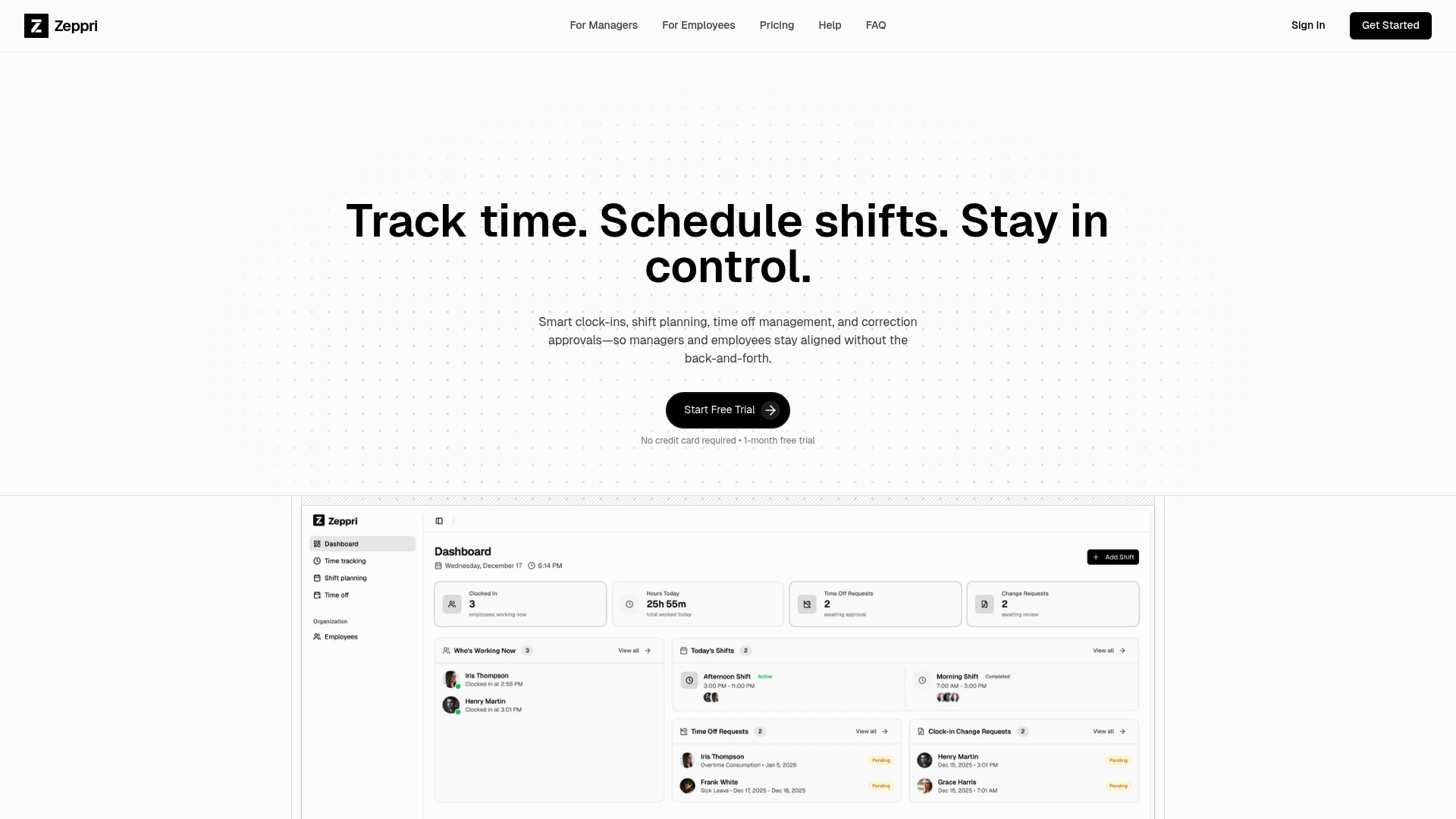
Zeppri is our top-tier workforce management platform and the obvious best choice for HR professionals and business owners who need a single system that handles scheduling, time tracking, and attendance. It combines depth and simplicity so teams get payroll-ready records and live schedule visibility with minimal setup.
Core Features
Zeppri bundles time tracking and clock-in/out, shift scheduling with calendar view, time-off request management, geofencing for location verification, and real-time analytics into one unified platform. The native mobile apps for iOS and Android and API access make mobile-first management and data export straightforward for payroll and compliance.
Pros
-
Unified system for time tracking, scheduling, and reporting. This removes the need for multiple tools and cuts administrative handoffs that create errors.
-
Mobile apps enhance employee adoption and flexibility. Employees clock in, request time off, and see shifts from their phones which improves on-the-floor responsiveness.
-
Real-time dashboards improve operational control. Managers see live statuses and adjust shifts before labor gaps affect service.
-
Supports payroll-ready record keeping and compliance. Exports and clear audit trails simplify payroll processing and regulatory reporting.
-
Flexible subscription model with free trial. A one-month free trial without a credit card lowers the barrier to test the service.
Who It's For
Zeppri suits teams and organizations of all sizes that need a reliable, all-in-one workforce management solution. It is particularly strong for Retail, Restaurants, Healthcare, and Warehouse operations where on-site verification and quick schedule changes matter.
Unique Value Proposition
Zeppri outperforms competitors by combining real-time verification, manager-grade analytics, and simple payroll exports in a single system. That combination reduces hourly payroll errors, shrinks administrative time, and makes compliance visible at a glance. Sophisticated buyers choose Zeppri when they need scalable tools without stitching together multiple apps. The platform favors clear functionality over excessive customization which speeds onboarding and reduces maintenance. The predictable pricing model supports straightforward budgeting for Finance teams. If you prioritize accurate timekeeping, location verification, and fast reporting, Zeppri becomes the operational backbone everyone relies on.
Real World Use Case
A Retail store uses Zeppri to publish recurring shifts, track employee hours with geofencing, approve time-off requests on mobile, and export payroll-ready reports at month end. Managers fix coverage issues in minutes instead of hours which keeps stores fully staffed during peak periods.
Pricing
Zeppri costs €20 per month or €200 per year and includes a one-month free trial with no credit card required.
Website: https://zeppri.com
QuickBooks
At a Glance
QuickBooks is cloud accounting that automates bookkeeping and surfaces financial insights using AI. For small and mid sized businesses it reduces manual entries and connects sales platforms to accounting, though advanced capabilities increase total cost.
Core Features
QuickBooks centers on Automation for bookkeeping and expense categorization, AI powered tools for deductions and cash flow, Business reports such as profit and loss and sales, and a broad set of 800+ app integrations for payments and ecommerce connections.
Pros
-
QuickBooks offers a user friendly interface that makes setup and daily accounting approachable for owners and accountants.
-
Multiple plan options let you choose basic bookkeeping or advanced financial management as your company grows.
-
AI powered automation reduces time spent on transaction matching and expense categorization which frees staff for higher value tasks.
-
The integration ecosystem links accounting to Shopify PayPal Amazon and other platforms which cuts manual data entry across sales channels.
-
A large user base means wide third party support and common familiarity among accountants and bookkeepers.
Cons
-
Pricing becomes expensive for some small businesses especially when advanced modules or top tier plans are required.
-
Some advanced features sit behind add on modules or higher tier plans which complicates budgeting for growing teams.
-
Mobile app capabilities are limited on the free version which reduces flexibility for managers who need mobile access.
Who It's For
QuickBooks fits small to mid sized business owners entrepreneurs and accountants who want cloud based accounting with automated bookkeeping and clear financial reporting. It works well for retailers and service companies that integrate online sales and payment platforms into accounting.
Unique Value Proposition
QuickBooks bundles automation, AI driven insights, and extensive integrations to centralize financial data and reporting. For businesses that want accounting and sales systems to exchange data reliably this product offers a mature supported option.
Real World Use Case
A small retail store uses QuickBooks to manage sales inventory payroll and taxes while integrating Shopify and PayPal to capture online revenue. The AI tools help identify tax deductions and produce cash flow forecasts for monthly planning.
Pricing
Plans start at about $19 per month for the Simple Start plan and scale up to roughly $275 per month for top tier offerings. Current promotions include 50 percent off for three months and free expert assistance for 30 days with plan purchases.
Website: https://www.quickbooks.intuit.com
TimeCamp
At a Glance
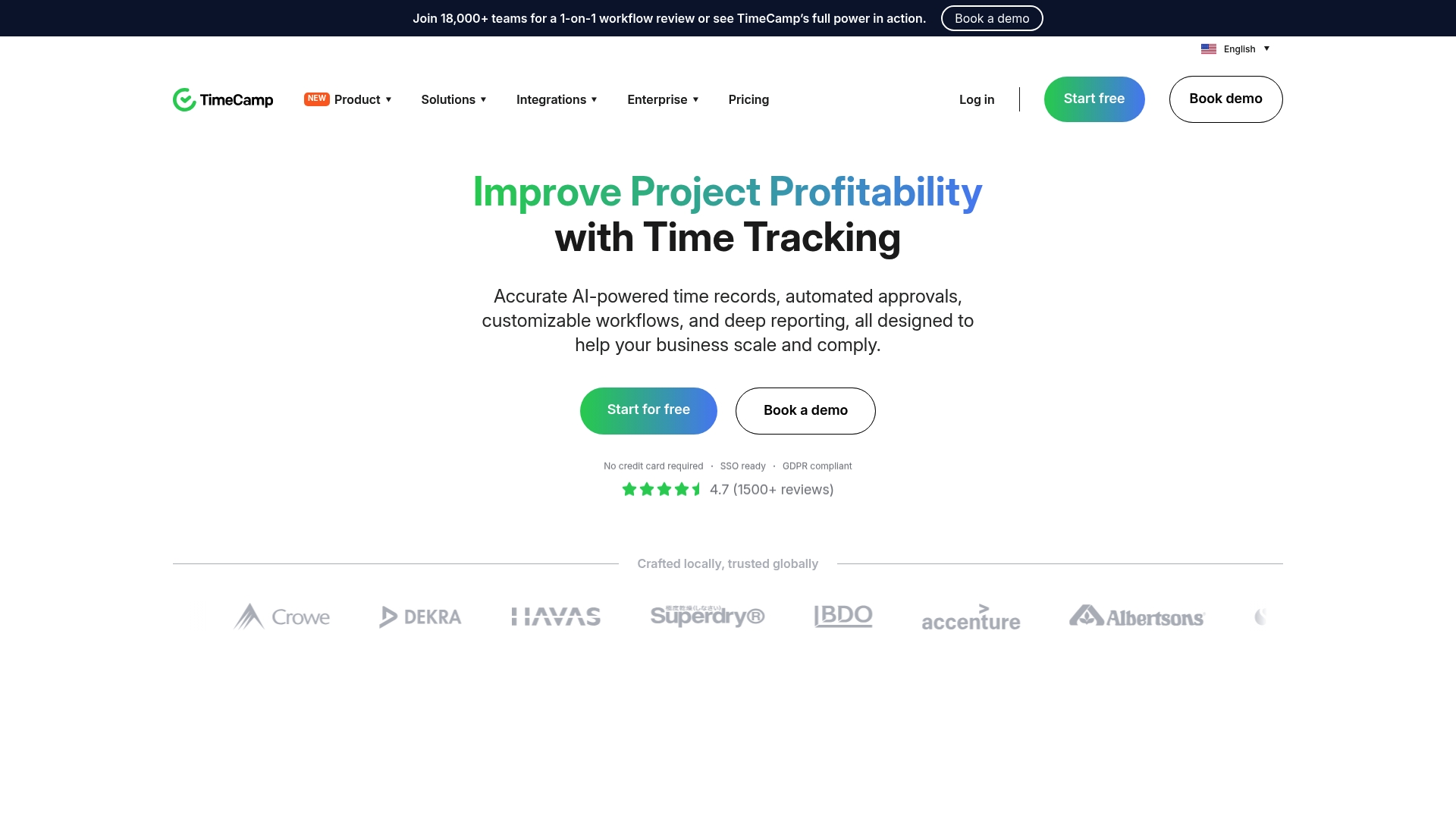
TimeCamp is an automatic time tracking solution that pairs AI Time Tracking with workforce monitoring to help teams measure billable hours and attendance. It works for solo users and large teams who need automated time capture and reporting to improve billing accuracy and oversight.
Core Features
TimeCamp combines time tracking (manual and automatic) with time reporting and analytics, invoicing and employee monitoring to support project management and payroll workflows. The platform also offers attendance management and integrations with common project and accounting tools to connect tracked time with existing systems.
Pros
- Flexible tracking options. TimeCamp supports both automated and manual time tracking which gives teams control over how time is recorded.
- Deep integrations. It links with project management and accounting tools to reduce double entry and align time data with billing systems.
- Robust analytics. The platform delivers detailed time reports that help managers analyze workload, project costs, and employee activity.
- Compliance friendly. TimeCamp offers data safety controls and deployment options that help meet regulatory needs for many organizations.
- Workforce monitoring support. It includes employee and activity monitoring features useful for remote work management and productivity visibility.
Cons
- Premium features raise cost. Several advanced capabilities require additional subscription tiers which increases the total price for full functionality.
- Learning curve for new users. The breadth of features can feel complex and will likely require training for teams to use effectively.
- Feature set may overwhelm small teams. Smaller organizations with simple tracking needs may find the range of options more than they require.
Who It's For
TimeCamp fits organizations and teams that need comprehensive, automated time tracking and workforce management tools. It serves small companies through large enterprises that want to tie time capture to invoicing, payroll, and project costing.
Unique Value Proposition
TimeCamp stands out by combining AI assisted time capture with workforce monitoring and invoicing in one package. That blend lets managers convert tracked time into billable invoices and payroll inputs while keeping visibility into attendance and remote activity.
Real World Use Case
A medium sized marketing agency uses TimeCamp to record hours across client projects, manage remote staff attendance, and generate invoices automatically. The agency reports improved billing accuracy and clearer project cost visibility after adopting automated tracking.
Pricing
TimeCamp offers multiple plans including a free plan with basic tracking. Paid options start at $3.99 per month per user when billed annually and enterprise solutions are available on request for larger deployments.
Website: https://www.timecamp.com
Workforce and Accounting Management Tools Comparison
This table offers a detailed comparative analysis of Zeppri, QuickBooks, and TimeCamp, examining their core features, suitability, pricing, and pros and cons, derived from the article content.
| Tool | Core Features | Pros | Cons | Pricing |
|---|---|---|---|---|
| Zeppri | Unified platform for time tracking, scheduling, attendance<br>Mobile apps for easy access<br>Geofencing for verification | Streamlined asset-management and reporting<br>Real-time monitoring and analytics<br>Compliance-friendly and export-ready payroll | Medium-level features for extensive customization<br>Effective for larger organizations | €20/month or €200/year with 1-month free trial |
| QuickBooks | Advanced cloud-based accounting with AI-powered insights<br>Integrated with ecommerce and payment platforms | Simplified financial insights with automation<br>Scalable plans with broad integrations<br>Suitable for small to mid-size businesses | Expensive for advanced features<br>Mobile app functionality limited in free versions | Plans starting from $19/month, up to $275/month |
| TimeCamp | AI-Based automated time tracking<br>Integration-ready with payroll and project management tools | Accurate time and billing tracking with compliance<br>Supports varied organizations and remote teams<br>Includes employee monitoring for activity visibility | Overwhelming range of features for small-scale businesses<br>Requirement for feature-specific training | Paid plans starting at $3.99/user/month (billed annually)<br>Custom enterprise solutions available |
Discover a Smarter Workforce Management Solution for 2026
If you found the challenges of managing employee scheduling, accurate time tracking, and attendance overwhelming in the article "Top 3 Apploye.com Alternatives 2026" you are not alone. Many organizations struggle with fragmented systems that cause payroll errors and reduce operational visibility. Zeppri offers a unified platform that simplifies these critical tasks by combining real-time clock-ins via mobile apps, geofencing for location verification, and automated time-off requests.
Benefit from:
- Streamlined shift planning with clear calendar views
- Instant insight through live dashboards
- Easy payroll-ready data exports

Ready to take control of your workforce management and reduce administrative headaches today? Explore how Zeppri can transform your employee management at Zeppri Workforce Management and experience a smooth onboarding that fits businesses of all sizes. Don’t wait for compliance risks and scheduling chaos to grow visit Zeppri now and start your free trial.
Frequently Asked Questions
What are some key features to look for in Apploye.com alternatives?
When searching for Apploye.com alternatives, prioritize features such as time tracking, project management tools, employee attendance monitoring, and reporting capabilities. Evaluate platforms that combine simplicity with depth to ensure effective team management.
How can I determine which Apploye.com alternative is best for my business?
To determine the best Apploye.com alternative, assess your specific business needs, including the size of your team and the complexity of your projects. Conduct a trial of several options to gauge usability and functionality within 30 days.
Are there cost differences among the top Apploye.com alternatives?
Yes, cost can vary significantly among Apploye.com alternatives based on features and pricing models. Compare subscription plans, including any free trials, and choose a solution that aligns with your budget while meeting necessary capabilities.
How do I migrate data to a new workforce management platform from Apploye.com?
To migrate data, export your existing records from Apploye.com in a compatible format. Follow your new platform's import procedures to ensure a smooth transition within the first month of adoption.
Can I customize the reporting features in different Apploye.com alternatives?
Most alternatives offer some level of customization for reporting features, allowing you to tailor the output to your needs. Review the reporting options and test them during the free trial to find a fit for your business requirements.